
6 Best Mealime Alternatives in 2026 (Ranked)
Mealime shuts down on 21 October 2026. The best alternative depends on which part you used: Pann if you want the app to decide what to cook and cook it with you, Plan to Eat if you used Mealime for the weekly list, SuperCook for clearing the fridge, and the free Meals Hub only if you shop at an Albertsons store.
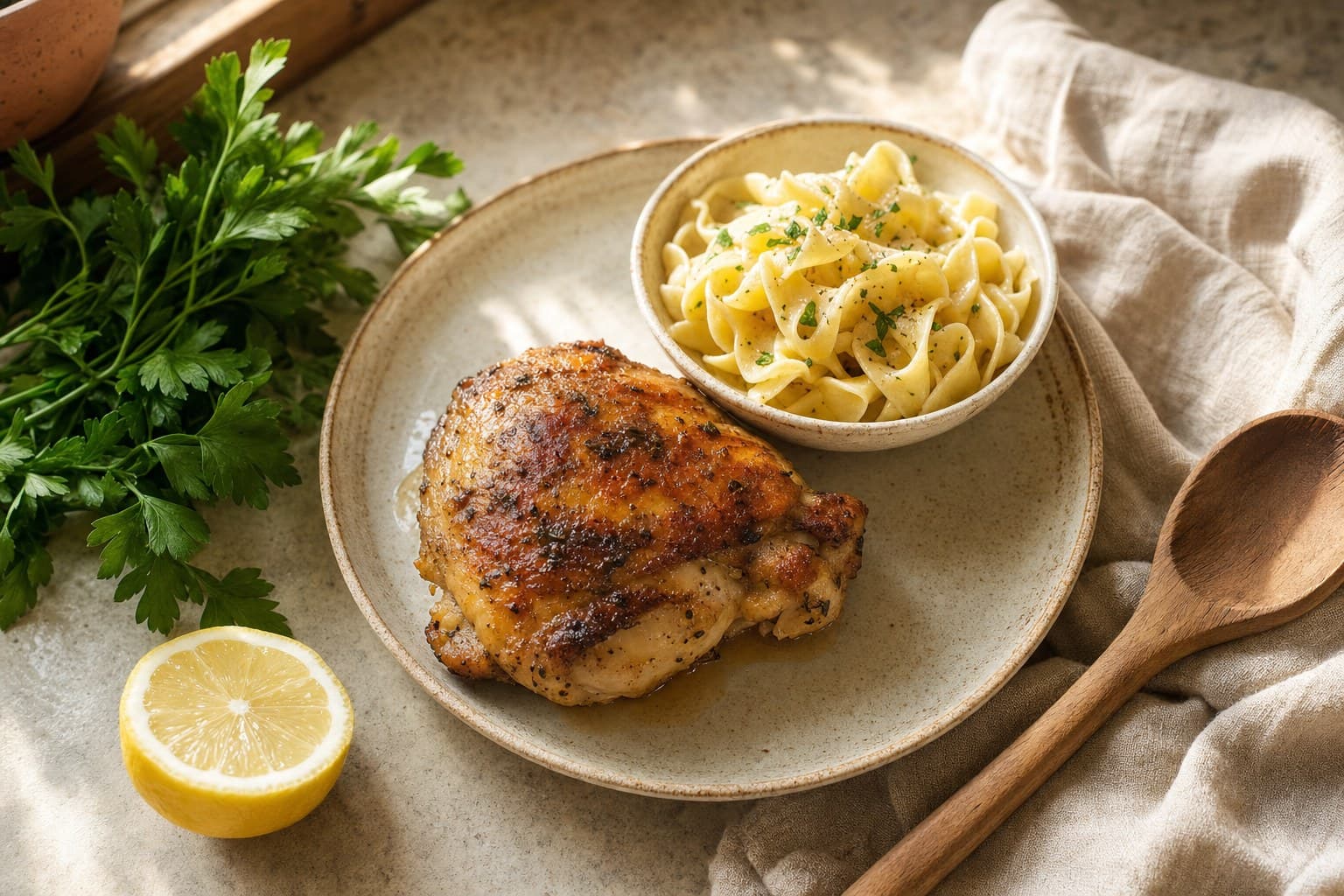
Mealime shuts down on 21 October 2026, so its users need a new home. We ranked six honest alternatives by the job each one does best, and say when Meals Hub is enough.
Mealime was a genuinely good weekly meal planner: a clean app that handed you a set of meals, built the grocery list and kept things simple. It closes on 21 October 2026, so the question is no longer whether to switch but where to, and the honest answer depends on which part of Mealime you actually used. Some people used it to decide what to cook. Others had a rotation they liked and used it for the list.
So we tested the honest alternatives over several weeks of real cooking and ranked them by job, not by feature count. Here is the short version, then the full breakdown.
How did we test the alternatives?
We used each app the way a busy person actually uses one: on a normal weeknight, tired, staring at half a fridge with no plan. We measured the gap between "I have no idea" and a real plate of food, across all meals (breakfast, lunch, snacks, and dinner), not just the marquee dinner recipes. We also looked at recipe organizing, fridge clearing, free hubs, and how much friction each app adds before you can actually start cooking.
One thing up front. None of these apps is bad. They just answer different questions. The trick is matching the app to the question you actually have.
What about Meals Hub, Mealime's official replacement?
Mealime's own answer is Meals Hub. According to Mealime's closing page, all Mealime recipes move there along with thousands more, and it is 100 percent free, including the recipes that used to be Pro. The catch is where it lives: inside the Albertsons Companies grocery apps, meaning Safeway, Albertsons, Vons, Jewel-Osco, ACME, Shaw's, Tom Thumb and a handful of other US chains. If you already shop at one of those, Meals Hub is the lowest-effort move and you can stop here. Plan to Eat's own test found the gaps: no way to put a recipe on a specific day, servings fixed at 2, 4 or 6, and no recipe clipper. If you shop anywhere else, or outside the US, it is not a real replacement, which is why it is not in the ranking below. The full comparison is in Mealime vs Meals Hub.
1. Pann: best when you want it to decide and cook with you
Most cooking apps make you search a library or store recipes you already chose. Pann does the part those apps skip: it makes the decision. You tell it the one thing you have, by typing "chicken and noodles" or snapping a photo of a single item, and it builds a real meal around it. Any meal, sized quietly to your goal, whether that is breakfast, a snack, or dinner. Then it walks you through cooking hands-free in voice-guided Cook Mode, so you are not scrubbing a greasy screen mid-step.
Pann is not a calorie tracker. There is no ring, no logging, no macro counting. The goal is a silent steer on portion size, nothing you have to manage. It also plans your week and writes the shopping list once you want that, but the core wedge is the moment of "I don't know what to cook, just tell me."
- Strongest at: turning one ingredient and zero ideas into a finished plate
- Voice-guided Cook Mode for hands-free cooking
- Covers every meal, not just dinner, with a quiet goal-based portion steer
- Not the pick if you want to browse a huge fixed recipe catalog or import your own recipes
Pick Pann if the hard part for you is deciding, and you want something that cooks alongside you instead of handing you a list and walking away.
2. Plan to Eat: best if you used Mealime for the list, not the choosing
If you had a rotation of meals you liked and used Mealime to schedule them and shop, Plan to Eat is the closest match and in several ways an upgrade. You bring recipes from any website with its clipper or type them in, drag them onto a calendar, and it writes one merged, sorted grocery list from whatever is planned. It handles every meal, not only dinner, and it is calm and fast. It holds 4.84 stars from 6,106 ratings on the US App Store (checked September 2026).
The honest limit is the one that matters most to former Mealime users: it never chooses for you. If the reason you liked Mealime was that it handed you the meals, Plan to Eat will feel like homework. It costs $5.95 a month or $49 a year after a 14-day trial with no card ($54.99 a year through the App Store), and there is no way to import Mealime recipes, because Mealime has no export. The head-to-head is in Mealime vs Plan to Eat.
Pick Plan to Eat if you know your recipes and want the calendar and the shopping list done for you.
3. SuperCook: best for clearing the fridge
SuperCook does one thing extremely well: you check off the ingredients you already own, and it shows you recipes you can make right now with little or nothing extra to buy. For reducing food waste and using up that lonely half cabbage, it is hard to beat, and the core app is free.
Where it stops is the deciding and the cooking. SuperCook gives you a wall of possible matches, but it does not pick for you, size a meal to your situation, or guide you step by step with your hands free. It is a powerful filter, not a companion. If your problem is "too many options and no plan," the long match list can be its own kind of paralysis.
Pick SuperCook if your goal is to empty the fridge and waste nothing, and you are happy to choose among results yourself.
4. Paprika: best recipe organizer
Paprika is the gold standard for people who collect recipes. It clips recipes from any website into a clean, ad-free format, syncs across your devices, scales servings, builds smart grocery lists, and works as a proper personal cookbook. For anyone who already knows what they like and wants it all in one tidy, searchable place, Paprika is excellent and well worth its one-time price.
The honest limit is that Paprika assumes you already have the recipes. It organizes your decisions beautifully, but it does not make the decision for you, and it will not look at the one ingredient on your counter and invent a meal. It is a library and a planner, not a cook.
Pick Paprika if you are a recipe collector who wants a flawless, ad-free home for everything you already cook.
5. Crouton: best for your own recipes in a beautiful native app
Crouton is a love letter to native iOS design. It imports recipes, removes the clutter, and gives you a genuinely lovely cooking experience with a built-in cook mode, timers tied to steps, and clean typography. If you care about how an app looks and feels, and you mostly cook recipes you have saved yourself, Crouton is a delight to use day to day.
Like Paprika, its strength is presenting recipes you already have, just with a more design-forward, modern feel. It does not solve the cold-start problem of staring at an empty plan with no idea, and it does not build a meal from a single ingredient. It makes your own recipes shine; it does not generate the decision.
Pick Crouton if you want the most beautiful native home for your saved recipes and a polished step-by-step cook mode.
6. Samsung Food (Whisk): best free recipe hub
Samsung Food, formerly Whisk, is a sprawling free hub. It saves recipes from across the web, builds meal plans, generates consolidated shopping lists, and even suggests dishes based on ingredients. For zero dollars, you get a surprising amount of breadth, and it works across phones and the web.
The trade is that breadth comes with noise. Because it pulls from everywhere, quality and consistency vary, and the experience can feel more like a busy social food network than a focused tool. It is a fine free starting point, but it does not specialize in the one job of deciding what to cook tonight and cooking it with you.
Pick Samsung Food if you want a capable, free, all-in-one hub and you do not mind a bit of clutter for the price.
Which Mealime alternative should you pick?
Start with which part of Mealime you will miss. If it was the weekly list for meals you already know, Plan to Eat is the direct replacement, and Meals Hub is the free one if you shop at an Albertsons store. If you just want to store and organize recipes, Paprika or Crouton are the better picks, and Crouton wins on native polish. If you want to clear the fridge and waste nothing, SuperCook is the specialist. If you want a free, do-everything hub, Samsung Food covers a lot of ground. Whatever you pick, save the recipes you cook most before 21 October, because Mealime has no export.
But if the real problem is the decision, the "I have chicken and noodles and no plan" moment, none of the recipe libraries solve it. They store, search, or filter. Pann decides, sizes the meal to your goal quietly, and cooks with you hands-free. That is the one job it is built for. If you landed here after Yummly shut down, the Yummly alternatives post covers where its users actually went.
- Pann — Best when you want it to decide what to cook from what you have and guide you hands-free through cooking, any meal
- Plan to Eat — Best if you used Mealime for the weekly list: clip your own recipes, plan them on a calendar, get one merged shopping list
- SuperCook — Best free option for clearing the fridge and cooking with only what you already own
- Paprika — Best recipe organizer and personal cookbook with clipping, sync, and smart grocery lists
- Crouton — Best for your own saved recipes in a beautiful native iOS app with a polished cook mode
- Samsung Food — Best free all-in-one recipe hub for saving, planning, and shopping across web and phone
Stop browsing 20 recipes you will not make. Tell Pann the one thing you have and it builds a real meal around it, then cooks it with you, hands-free.
Frequently asked questions
What is the best Mealime alternative in 2026?
It depends on which part of Mealime you used. For the choosing, Pann: it starts from what you have, decides the meal, plans the week and cooks with you hands-free. For the weekly list of meals you already know, Plan to Eat. SuperCook, Paprika, Crouton and Samsung Food each win a narrower job.
Is there a free alternative to Mealime?
Meals Hub is free and is where Mealime's recipes move, but it only works inside the Albertsons grocery apps. Outside those stores, SuperCook is free with ads and Samsung Food (formerly Whisk) is a free hub with web import, planning and shopping lists. Pann is a subscription with a free trial.
What are apps like Mealime but for using up leftovers?
SuperCook is the classic fridge-clearing matcher: tick what you own, browse what you can make. Pann approaches the same problem from the other end, turning the single leftover you name into one finished meal instead of a list of matches.
Do I have to switch from Mealime?
Yes. Mealime closes on 21 October 2026 and has no export, so save the recipes you cook most before then. Pro subscribers are not charged again before the date. The shutdown guide covers the steps.