
SuperCook Review (2026): Honest Take + the Missing Piece
SuperCook is a free ingredient matcher, not an AI: you tick what you own and it filters a fixed recipe database, so nothing is generated and nothing is sized to you. That makes it great for a full fridge and useless once you start cooking. It stops at the list; a cooking assistant starts there.
SuperCook is a brilliant free matcher for a full fridge, surfacing recipes you can make right now. But it hands you a list and goes quiet at the stove. Here is the honest take and the missing piece.
SuperCook is one of the most useful free apps in the kitchen. You tick off the ingredients you already own and it shows you recipes you can make right now, no extra grocery run needed. If your problem is a fridge full of odds and ends, SuperCook is genuinely good. But if your real problem is the blank stare, the I-have-no-idea-what-to-cook moment, it stops short in two places: it hands you a long list to scroll, and it goes quiet once you actually start cooking. Here is the honest take after weeks of real use, plus the missing piece.
How did we test SuperCook?
We used SuperCook the way a normal person does, on real weeknights and slow mornings, across all meals and not just dinner. The test was simple: from standing in the kitchen with no plan to a real plate of food, how far does the app carry you, and where do you take over. We ticked our actual ingredients, browsed what came back, and tried to cook a few of the matches start to finish without putting the phone down.
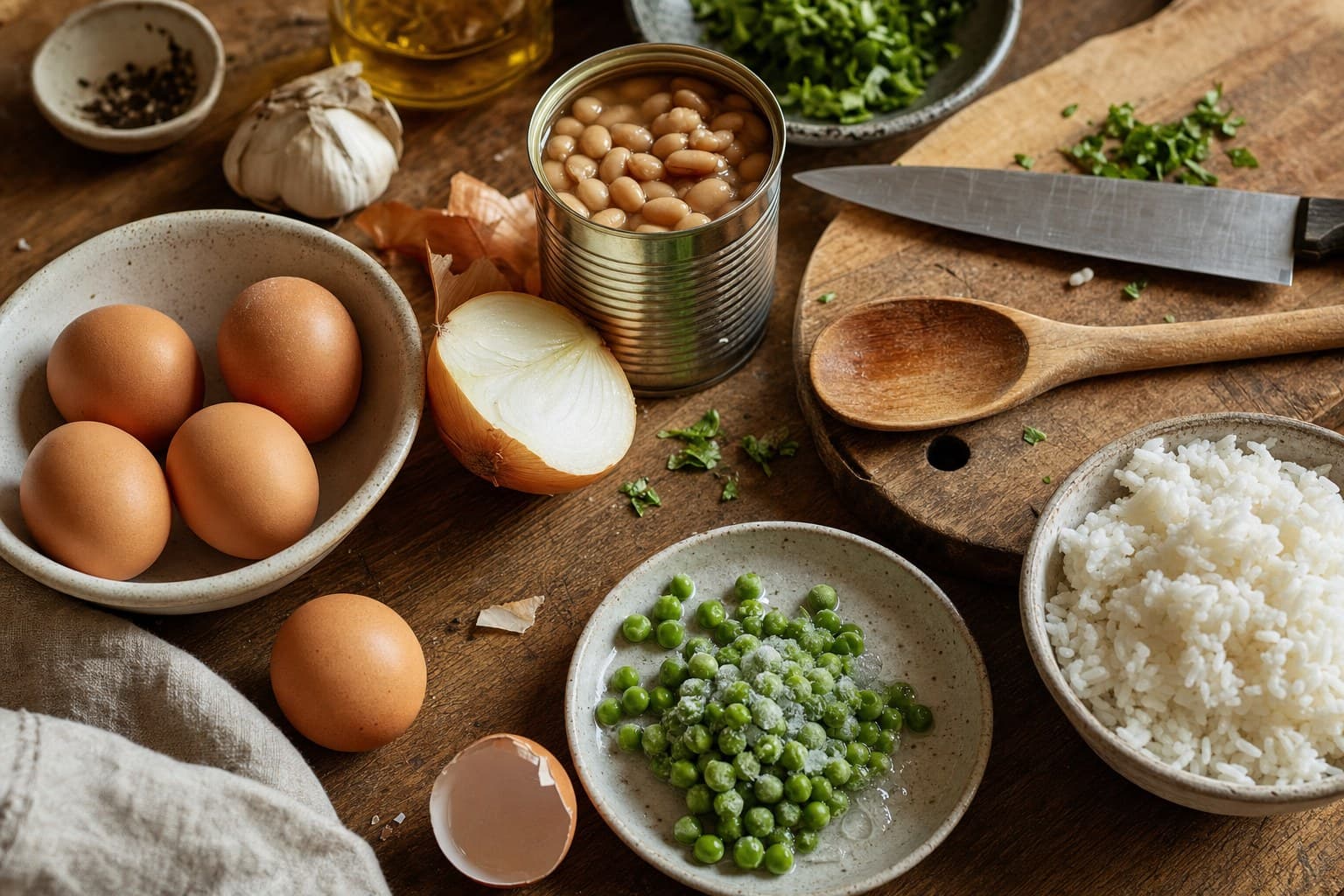
- Marked the staples we really had: eggs, rice, a half onion, some frozen peas, a can of beans.
- Looked for breakfast, lunch, snack and dinner ideas, not only an evening meal.
- Tracked the time and effort from no idea to food, and noted exactly where the app stopped helping.
What does SuperCook do really well?
Credit where it is due. SuperCook nails one specific job: matching recipes to what you already own. You build a virtual pantry by tapping ingredients, and it instantly filters thousands of recipes down to the ones you can make without buying anything. That is a real, useful trick, and it is free.
- Use-it-up power. It is excellent for clearing the fridge before things go off, which saves money and waste.
- Add one ingredient, see more. Tick a single extra item and watch a new wave of recipes unlock. It is a satisfying way to see what one trip to the store would open up.
- Big, broad catalog. Because it pulls from many recipe sources, the matches cover a wide range of cuisines and meal types.
- No account needed to start, and the core matching is free. The barrier to trying it is basically zero.
If you think of cooking as a sorting problem, what can I make from this pile of stuff, SuperCook is one of the best tools for it. We would happily keep it on the phone for exactly that.
Where does SuperCook stop short?
The limits are not bugs. They are just the edge of what a matcher is built to do. Two things stood out every time we used it for real.
First, it gives you a list, not a decision. Tick your ingredients and you often get dozens of results. That is great when you want to browse, but on a tired weeknight more options is the problem, not the cure. You still have to read, compare, and choose, which is the exact part you wanted help with. The app matches; you still decide.
Second, it does not size the meal to you and it does not cook with you. SuperCook points you to a recipe and then hands off to whatever site or page that recipe came from. Portions are whatever the original author wrote, not scaled to how many you are feeding or quietly nudged toward eating a bit bigger or a bit lighter. And once you tap into a recipe, you are back to scrolling a wall of text with a greasy phone while the pan heats up. There is no voice that reads the next step, no guidance in the moment.
Is SuperCook AI?
No. SuperCook is an ingredient matcher over a fixed recipe database: you tick the ingredients you own and it filters recipes whose ingredient lists fit, ranked by how many you are missing. Nothing is generated, nothing learns your taste, and the same fridge always returns the same list. That is a feature as much as a limit: the results are real, tested recipes from real sites, not text invented on the spot. What it cannot do is decide, size a portion to you, or answer a question mid-cook. If the AI part is what you are after, you want a cooking assistant such as Pann that builds one meal from the thing you name and talks you through it, and you can still use SuperCook to browse.
What is SuperCook missing?
This is where the two apps split. SuperCook is the matcher. Pann is the cook. Instead of asking you to inventory the whole fridge and then scroll a list, Pann asks for the one thing you actually want to use, by text or a photo of a single item. Say chicken and noodles, and it builds one real meal around it, sized quietly to your goal in the background, with no calorie ring, no logging, no macro counting anywhere.
Then it does the part a matcher never gets to. Cook Mode reads each step aloud so you can keep your hands on the food, not on the screen. Ask it to plan your week and it lays out breakfast, lunch, dinner and snacks, then writes the shopping list from that plan. The goal of the whole thing is to remove the choosing and the babysitting, not to give you a better list to choose from.
- Tell Pann the one thing you have, or snap a photo of a single ingredient.
- Get one real meal built around it, portioned to your goal without any counting.
- Cook it hands-free as it reads the steps aloud, then let it plan the week and the shopping list.
To be fair, that flow gives up something SuperCook keeps: the joy of browsing a huge catalog and discovering ten things you could make from a stuffed fridge. Pann does not win on library size. It wins on making the decision and cooking with you. If browsing is the part you enjoy, SuperCook is the better pick, full stop.
Who is each app for?
Pick SuperCook if you have a full fridge and you like sorting through what you could make, especially before a grocery run or a fridge clean-out, and you do not mind a free app with ads that ends in a list. Pick Pann if your real pain is deciding, you want one confident answer for any meal sized to your goal, and you want something that actually walks you through the cooking instead of leaving you with a wall of text.
- Pann — Best when you have no idea what to cook. Give it one thing, get one real meal sized to your goal, then it cooks it with you hands-free and plans the week and shopping list.
- SuperCook — Best for clearing a full fridge before a shop. Tick what you own and browse every recipe you can make right now, free, with a broad catalog and a satisfying use-it-up feel.
How does SuperCook compare to MyFridgeFood?
The comparison people search for most: both are free ingredient matchers, but SuperCook brings the bigger recipe pool, sharper filters and well rated apps, while MyFridgeFood is a lighter website you can use in ten seconds without an account. We put them head to head in SuperCook vs MyFridgeFood, including the one gap neither closes.
Is SuperCook worth using in 2026?
SuperCook is a smart, generous, genuinely handy matcher, and we recommend it for the job it is built for: turning a stocked fridge into a list of things you can make today. It earns its place. The catch is that it stops at the list and leaves the two hardest parts, choosing and cooking, back on you. If those are your real pain points, you want a cook, not a matcher. Use SuperCook to see what is possible. Use Pann when you just want one answer and a steady voice at the stove.
Tired of picking from a long list and then cooking alone? Tell Pann the one thing you have and it builds a real meal, sized to your goal, then walks you through it step by step, hands-free.
Frequently asked questions
Is SuperCook free?
Yes. The core ingredient matching is free with ads and you do not need an account to start. There is a cheap premium tier, but the main trick, matching recipes to what you own, costs nothing.
Is SuperCook any good in 2026?
For clearing out a full fridge, yes. It is one of the best free matchers and great before a grocery run. It is not built to make the final decision for you or to guide you while you cook, so it carries you to a list and stops there.
Does SuperCook have its own recipes?
No, it aggregates recipes from many sites and links you out to the original source. That gives it a broad catalog, but quality and formatting vary with whatever site the match comes from.
Does SuperCook use AI?
SuperCook is at its core an ingredient matching engine over a large recipe database, not a generative assistant: it filters existing recipes by what you own rather than writing new ones or coaching you through cooking. That distinction matters when you compare it to newer AI cooking assistants.
Is SuperCook legit and safe to use?
Yes. It is a long-running free service with well rated mobile apps, 4.8 stars from over 21,000 App Store ratings, and it links out to the original recipe sites rather than hiding sources. The trade-off is ads, not safety.
What is the best SuperCook alternative?
It depends on which limit bothers you. If the long list is the problem, Pann answers with one meal built around the single ingredient you name and then cooks it with you hands-free. If you want tidier weekly planning instead, Mealime was the stronger pick, but it shuts down on 21 October 2026, so pick from the Mealime alternatives instead.