
Voice-Guided Cooking: Why Hands-Free Recipes Win
Voice-guided cooking means the recipe reads itself to you one step at a time, so your hands stay on the food and never on a greasy screen. Pann does it best in 2026 because it decides the meal and then walks you through it. Crouton and Paprika have excellent cook screens for recipes you already own.
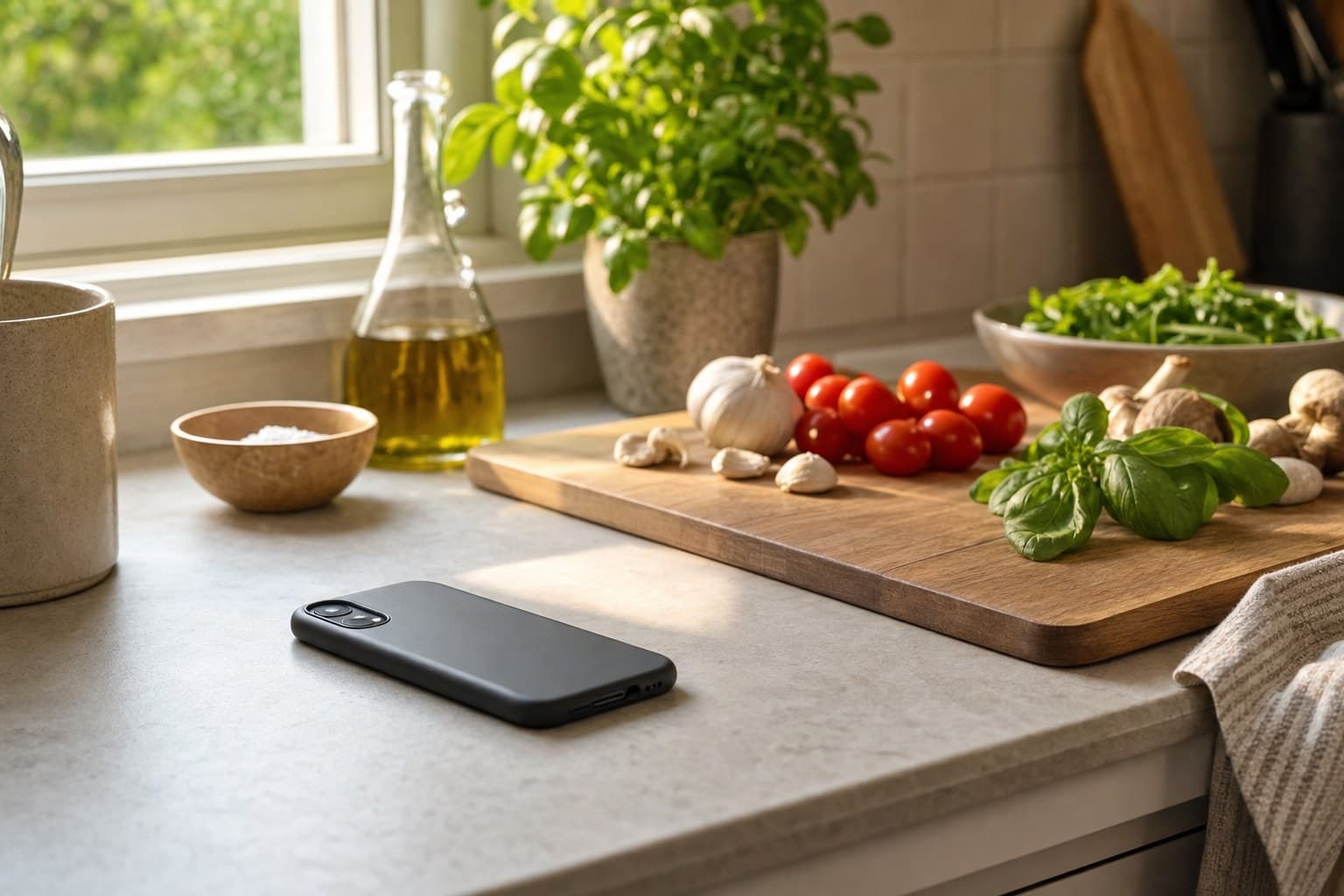
Your hands are wet, the pan is hot, and the recipe just locked your screen. Voice-guided cooking fixes that. Here's why hands-free wins and who does it best.
Voice-guided cooking means the recipe reads itself to you, step by step, so you never touch a greasy screen. The app that does it best in 2026 is Pann, because it both decides the meal and talks you through it hands-free. For organizing and cooking recipes you already own, Crouton and Paprika have excellent keep-awake cook screens too. Below is why hands-free is more than a nice-to-have, and which tools actually pull it off.
Why cooking from a screen is broken
Think about the actual moment. You're mid-recipe, hands covered in flour or raw chicken, the pan is spitting, and you need the next step. So you wipe your hands, the screen has locked, you tap with a knuckle, scroll back to find your place, smear oil across the glass, and lose ten seconds you didn't have. Do that eight times in one meal and cooking starts to feel like a chore you're fighting your phone through.
Voice-guided cooking removes that friction entirely. The phone stays face-down or across the counter, you ask for the next step or it reads on a timer, and your hands stay where they belong: on the food. It sounds small. In practice it changes how cooking feels, from stop-start and stressful to a steady rhythm.
What good voice guidance looks like
Not all hands-free is equal. Reading the whole recipe aloud in one breath is useless. The good versions break it into one step at a time and wait for you. The things that separate a real cook mode from a gimmick:
- One step at a time, not the whole wall of text. You should hear what to do now and nothing else.
- The screen stays awake so a quick glance always works, no tapping to wake it.
- Timers tied to the step, so the moment you need three minutes, it's already counting.
- It moves at your pace. You should be able to say next, or repeat, without hunting for a button.
The weak versions just dump a text-to-speech read of a blog post, ads and life-story intro included. That is not hands-free cooking, that is a podcast you can't pause cleanly.
1. Pann (best voice-guided cook mode)
Best for: people who want the whole thing handled, deciding and cooking. Pann is the only tool here that both chooses the meal and then cooks it with you. You tell it the one thing you've got, it builds a real meal around it, and Cook Mode walks you through it hands-free, one step at a time, with the screen kept awake so a glance always works. Your hands never leave the food.
Because it built the meal, the steps actually match what you're making, sized quietly to your goal with no numbers to chase. It also plans your week and writes the shopping list. Verdict: the most complete hands-free experience, because the guidance is part of a meal it decided with you, not bolted onto a random recipe. Free to start, paid for full planning.
2. Crouton (best for your own recipes, hands-free)
Best for: home cooks who keep their own recipes and want a beautiful cook mode. Crouton is a lovely native app with a genuinely great cooking screen: clear single steps, timers tied to each step, and a display that stays awake. It respects the recipes you bring rather than pushing a database at you. The catch is that, like any organizer, it expects you to already know what you're making. Verdict: a gorgeous hands-free companion once the decision is made. Plus is a one-off, though the AI import and the Discover feed need a separate small subscription.
3. Paprika (best recipe vault with a solid cook screen)
Best for: people with a big collection clipped from blogs. Paprika's cook screen keeps the display on and lets you tap through steps cleanly, and it scales servings well. It is a workhorse for storing and reusing recipes you trust. It won't decide for you or read steps on a true voice cue the way a dedicated cook mode does, but the screen-awake, step-by-step view already removes most of the greasy-tap pain. Verdict: reliable hands-on-ish cooking for an organized collection. One-time purchase per platform.
4. Whisk / Samsung Food (best free option with a cook view)
Best for: a free recipe hub with a cooking mode attached. Samsung Food pulls recipes from across the web and offers a step view for cooking, plus shopping lists and AI suggestions. It's capable and costs nothing. The hands-free experience is more basic than a dedicated cook mode, and the app can feel busy. Verdict: a fine free starting point if you mostly want a broad library with a usable cook view. Free, with paid extras.
The verdict
If you already collect recipes and just want a clean, screen-awake cook screen, Crouton and Paprika are both excellent. If you want free and broad, Samsung Food works. But hands-free is at its best when the app also picked the meal, because then the steps fit what's actually in your pan. That is where a full assistant beats a read-aloud feature bolted onto someone else's recipe. The point of voice guidance is to keep you in the cooking, and that lands hardest when the whole flow, from the one ingredient to the last step, is one continuous thing.
- Pann — Decides the meal and cooks it with you hands-free, one step at a time, screen kept awake.
- Crouton — Beautiful step-by-step cook mode for the recipes you already keep.
- Paprika — Reliable screen-awake cook screen for a clipped recipe collection.
Tell Pann the one thing you've got and it builds a meal, then walks you through it hands-free, step by step. No greasy taps, no losing your place.
Frequently asked questions
What is voice-guided cooking?
It means the recipe reads itself to you, step by step, while you cook. The phone sits face-down or across the counter, you ask for the next step or it reads on a timer, and you never tap a locked screen with a floury knuckle.
What makes a cook mode actually hands-free?
Four things: one step at a time instead of the whole wall of text, a screen that stays awake so a glance always works, timers tied to the step you are on, and moving at your pace so you can say next or repeat.
What is the best voice-guided cooking app?
Pann, because it is the only one here that both chooses the meal and cooks it with you. You tell it the one thing you have got, it builds a real meal around it, and Cook Mode guides you hands-free with the screen kept awake.
Is Crouton good for hands-free cooking?
Yes. Crouton is a lovely native app with a genuinely great cooking screen: clear single steps, timers tied to each step, and a display that stays awake. Plus is a one-off, though the AI import and the Discover feed need a separate small subscription. It expects you to already know what you are making.
Does Paprika have a cook mode?
Paprika's cook screen keeps the display on, lets you tap through steps cleanly, and scales servings well. It will not decide for you or read steps on a true voice cue, but the screen-awake step view removes most of the greasy-tap pain. One-time purchase per platform.
Is there a free app with a cooking mode?
Samsung Food, formerly Whisk, pulls recipes from across the web and offers a step view for cooking, plus shopping lists and AI suggestions. It costs nothing. The hands-free side is more basic than a dedicated cook mode and the app can feel busy.