Mealime vs Paprika: Which Meal App Fits How You Cook
Mealime decides your meals and builds an aisle-sorted grocery list, so it suited beginners who hate choosing, but it shuts down on 21 October 2026. Paprika saves recipes from any website, scales the servings and plans them on a calendar, so it suits people who hate the mess, and it is staying. If you need the deciding part, Pann does that job now: it plans the meals for the days you pick and cooks them with you in one session.
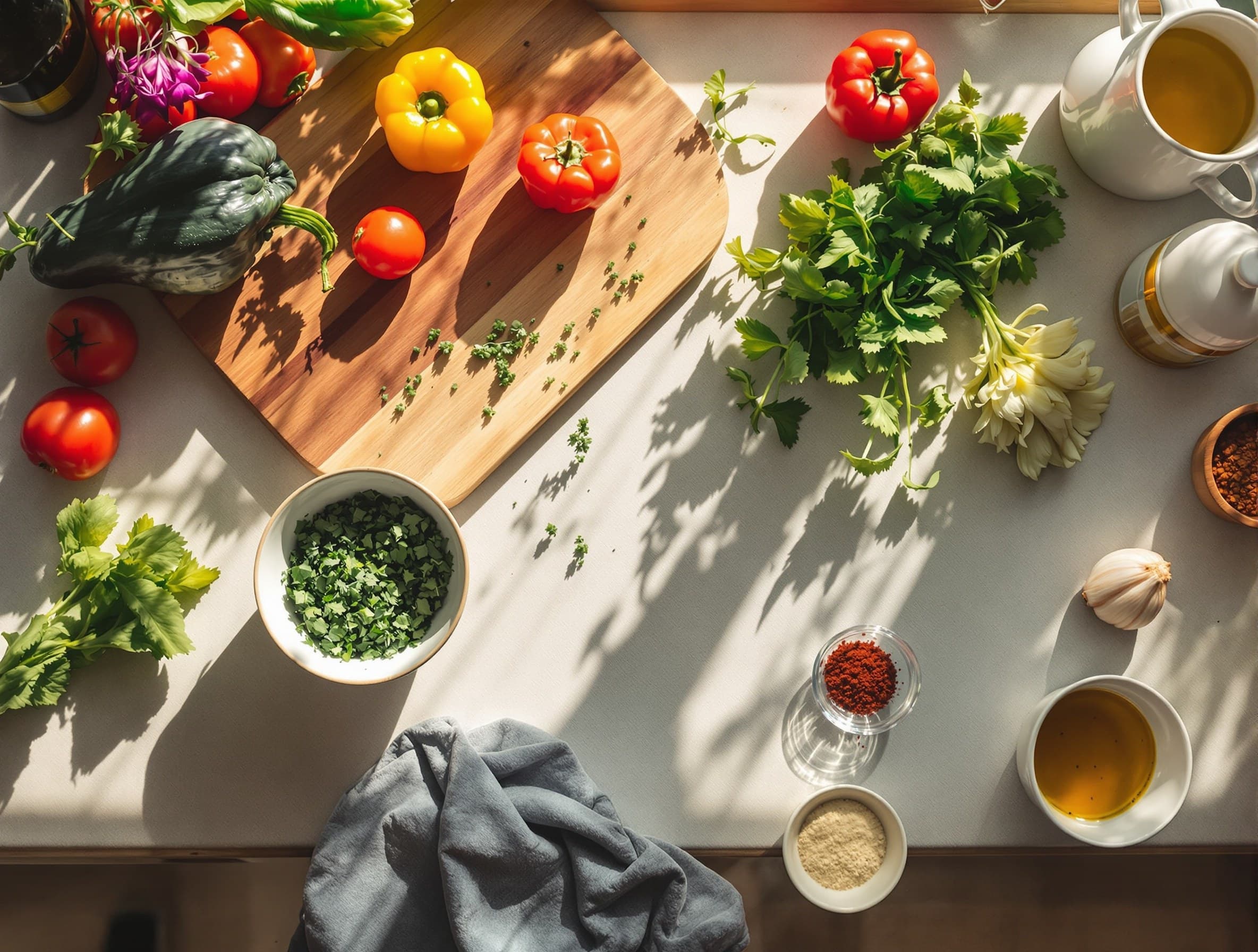
One app decides what you cook, the other keeps what you already cook. Mealime and Paprika are both good, at completely different jobs. Here is how to tell which job is yours.
Mealime and Paprika solve two different problems, so the best one depends on what you actually struggle with. Mealime is a guided meal planner: it picks meals for you, writes a clean recipe, and rolls everything into a grocery list sorted by aisle, which makes it the friendlier choice for beginners who want a meal decided in about five minutes. Paprika is a recipe manager: it saves recipes from any website, scales the servings up or down, plans them on a calendar, and turns them into a shopping list, which makes it the choice for people who already collect recipes and want them kept in one tidy place. The honest split is simple. Mealime tells you what to cook. Paprika keeps what you already cook.
The short version
If you hate deciding, go Mealime. If you love collecting, go Paprika. Both cover every meal of the day, from breakfast to a late snack, so neither one boxes you into dinner only. The real gap between them is not quality, it is the job each one does. One makes the choice for you. The other remembers the choices you have already made and keeps them from scattering across twenty browser tabs and a pile of screenshots. Once you know which of those two headaches is yours, the rest of the decision falls into place on its own.
What Mealime does well
Mealime is built for the person who opens the fridge, stares, and freezes. You set a few preferences at the start, your allergies and the foods you would rather skip, and it hands you a short menu of meals with clean, photo-led recipes. Nothing fussy, nothing with thirty ingredients. The steps are written for someone who does not cook much, and the portions come sized sensibly without asking you to do any math. It quietly removes the two hardest parts of a weeknight: choosing the meal and remembering what to buy for it.
- It chooses the meals, so you never face a blank page.
- The grocery list builds itself, grouped by aisle and ready to shop.
- Recipes are short, clear, and friendly to newer cooks.
- It covers breakfast, lunch, dinner and snacks, not just the evening.
- A genuinely usable free tier, with a paid upgrade for more variety.
The trade is control. Mealime works from its own recipe library, so if your heart is set on cooking the exact lasagne a friend emailed you, that is not really what it is for. It gives you good options, but they are its options. If you want a wider look at that style of app before you commit, here are some other meal planners worth a look.
What Paprika does well
Paprika comes at food from the opposite end. It assumes you already find recipes you love, from blogs, from family, from that one site with the perfect curry, and it gives them a home. The clipping tool pulls a recipe off almost any page and quietly strips out the life story, the pop-ups and the ads, leaving just the ingredients and the method. Over time you build a personal cookbook that is searchable, organized, and truly yours, instead of a folder of screenshots you can never find again.
- Save recipes from anywhere on the web into one clean library.
- Scale a recipe from two servings to six and the amounts adjust.
- Drag saved meals onto a calendar to plan your week.
- Build a shopping list straight from the recipes you chose.
- Sync across your devices and reach your collection even offline.
The trade here is effort. Paprika organizes beautifully, but it does not decide for you. You still have to find the recipes, and you still have to pick what lands on Tuesday. If a blank calendar makes you anxious, that blank is yours to fill. It rewards people who like being their own head chef, and it gently frustrates anyone who hoped the app would be one.
Mealime vs Paprika, side by side
Here is the same question run across the things people actually care about when they cook:
- Who decides the meals: Mealime does it for you; Paprika leaves it to you.
- Recipe source: Mealime uses its own library; Paprika saves from anywhere.
- Grocery list: both build one, but Mealime's is automatic and Paprika's comes from what you picked.
- Beginners: Mealime, clearly; Paprika rewards people who already cook.
- Scaling and organizing: Paprika wins; that is its whole reason to exist.
- Everyday effort: Mealime asks less of you; Paprika asks more and gives back more control.
- Cost feel: Mealime is free with a paid upgrade; Paprika is usually bought once per platform.
- Mealime: A guided planner that chooses your meals and builds an aisle-sorted grocery list. Best when the hard part is deciding.
- Paprika: A recipe manager that saves, scales, and plans recipes you find yourself. Best when the hard part is staying organized.
Who should pick which
If the hard part of cooking is the decision, Mealime was the answer: no hobby, just a meal, settled without a second thought. It closes on 21 October 2026, so do not build a habit on it now. Pann does the deciding now, for the days you pick, and the Mealime alternatives ranking covers the rest. Why it is closing is explained in is Mealime shutting down. Pick Paprika if the hard part is the mess. You already have recipes you love scattered across screenshots, bookmarks and printed pages, and what you really need is one calm place to keep them, scale them, and plan them. Paprika will reward that instinct for years.
A third way, if you just want to cook
There is a third kind of cook that neither app quite serves: the one who does not want to browse a plan or organize a library at all. You are looking at one chicken thigh and a half-empty bag of rice, you need lunch for the next three days, and you just want to be told what to make. That is the gap Pann fills. Pick the days, add the chicken as the thing to use up, and it plans the meals around it, sized to your goal, no counting, then walks you through one cooking session and packs a box for each meal. It is not a recipe box and it does not hand you a library to plan from. If you want to see how that feels next to a planner, here is how Pann and Mealime compare.

Pann is a meal prep planner for iPhone: pick your days, and it plans the recipes, the shopping list and one guided cooking session, then packs a box per meal with its day and how long it keeps. Try Pann free for a week.
Frequently asked questions
Is Mealime or Paprika better for beginners?
Mealime, clearly. It picks the meals for you and writes short, photo-led recipes aimed at someone who does not cook much, with portions already sized sensibly. Paprika rewards people who already cook and want their own recipes kept in order.
Does Paprika decide what to cook for you?
No. Paprika organises beautifully but it never picks the meal. You still find the recipes and you still decide what lands on Tuesday. If a blank calendar makes you anxious, that blank is yours to fill.
Do Mealime and Paprika both make a shopping list?
Yes, but from different directions. Mealime's list builds itself from the meals it chose, grouped by aisle and ready to shop. Paprika's list comes from the recipes you picked and planned yourself.
Can Paprika save recipes from any website?
Yes. The clipping tool pulls a recipe off almost any page and strips out the life story, the pop-ups and the ads, leaving just the ingredients and the method. Over time you get a searchable personal cookbook.
How do Mealime and Paprika compare on cost?
Mealime had a free tier and a paid upgrade, and it closes on 21 October 2026; its recipes move to the free Meals Hub. Paprika is usually bought once per platform instead of billed monthly, so the feel of paying for each is quite different.
What if I do not want to browse a plan or file recipes at all?
Then neither app quite fits. That is the gap Pann covers: you pick the days and meals you need, it decides the recipes, sized to your goal, and walks you through cooking them in one session, for any meal of the day.