
Best Recipe Organizer Apps in 2026: 6 Tested Picks
Paprika Recipe Manager is the best overall recipe organizer in 2026: a one-time purchase per platform, free unlimited sync, and everything stored locally. Crouton is better on Apple devices for its cook mode and cookbook scanning. AnyList wins for shared shopping lists at $9.99 a year. Samsung Food is the best free option. Choose partly on export, because Yummly's shutdown left users unable to recover a decade of saved recipes.
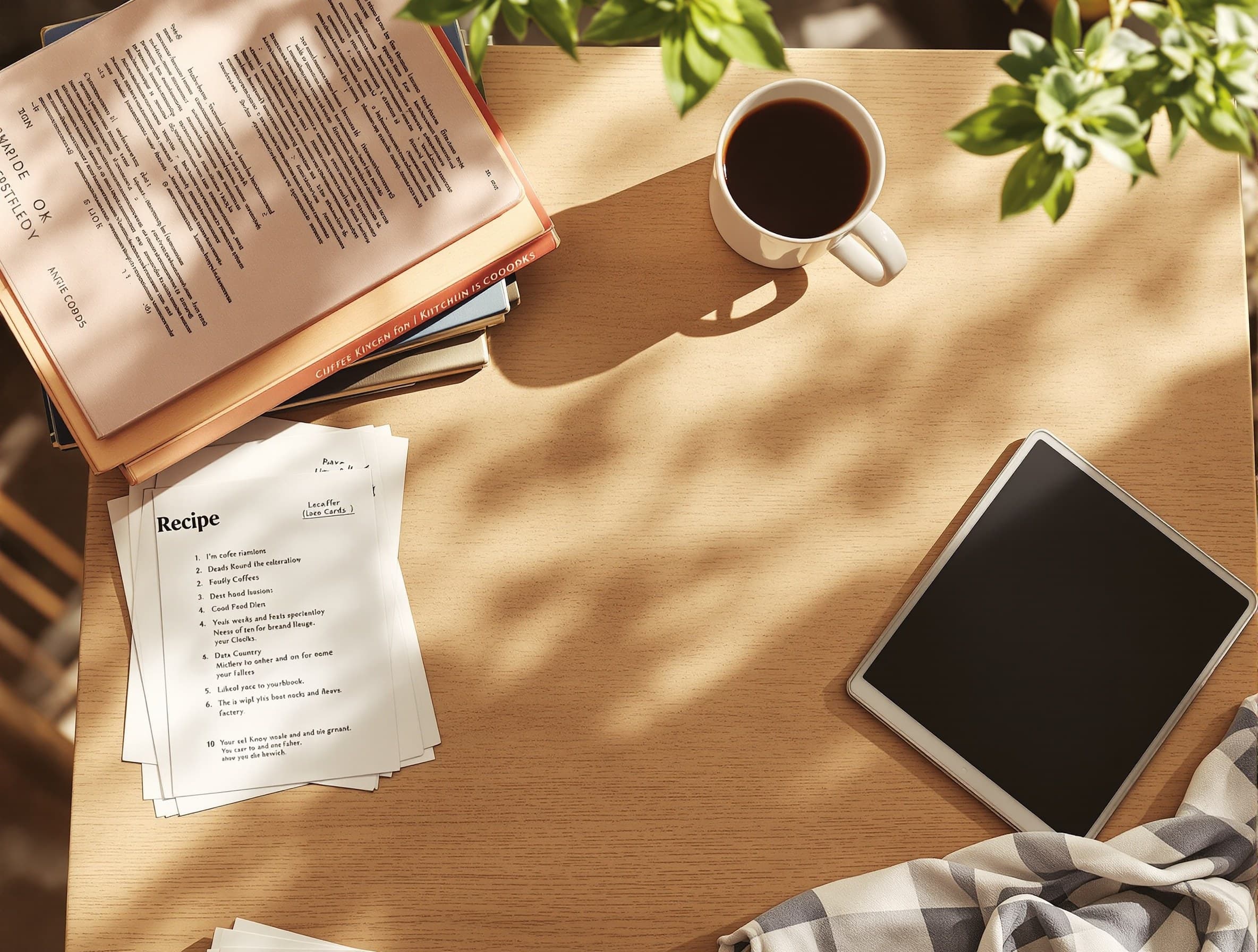
A recipe organizer is somewhere you put ten years of your cooking life. Six apps compared on the things that matter when that is true, including whether you can ever get your recipes back out.
A recipe organizer is not really an app, it is a place you put years of your cooking life. That changes what matters about it. Sync and clipping are what reviews compare; what actually bites is price creep, an import route that does not fit how you collect, and what happens to your recipes if the company loses interest.
That last one stopped being hypothetical. Yummly shut down on 20 December 2024 with no bulk export, and people who had spent a decade filling it got nothing back. Every pick below is judged partly on that.
The Short Answer
- Best overall: Paprika Recipe Manager 3. One-time purchase, free unlimited sync, local storage.
- Best on Apple devices: Crouton. The nicest cook mode there is, and it scans cookbook pages.
- Best shared shopping list: AnyList. $9.99 a year, and the sharing itself is free.
- Best free: Samsung Food, formerly Whisk.
- Best for planning weeks: Plan to Eat.
- Best when you have not chosen a recipe at all: Pann, which is a different kind of thing.
Paprika Recipe Manager 3
The default recommendation, and it has earned it since 2011.
The economics are the strongest part. It is a one-time purchase per platform, and Paprika Cloud Sync is included at no extra cost with no recipe cap and no storage limit. Recipes are stored on your device, so everything works offline and nothing depends on a server staying up. Grocery lists merge duplicate ingredients and sort by aisle, and the pantry and meal planner are properly built rather than bolted on.
The costs are also plain. iOS is $4.99, macOS $29.99, Windows $29.99, and Android is free up to 50 recipes with a $4.99 unlock. All four is $69.96. It clips web pages only, with no photo, PDF or social import, and the Android build runs roughly a year behind iOS. Full detail in our Paprika review and the alternatives.
Crouton
The best-feeling app of the group and the one to pick if every device you own has an Apple logo on it.
Its cook mode won a 2024 Apple Design Award for Interaction: one step at a time, timers inside the steps, and you can tap an ingredient in a step to see the quantity without leaving. It scans a cookbook page or a handwritten card from a photo, and it imports a Paprika backup in one step.
Two caveats. It is Apple only, and because sharing runs on iCloud a household with one Android phone cannot share at all. And the pricing is split: $24.99 once for Plus, with the AI import and the Discover feed on a separate $1.99 a month subscription.
AnyList
The one to install if the household argument is about the shopping rather than the cooking.
Shared lists with real-time check-off, autocomplete and automatic aisle sorting are free and ad-free, and that is the best version of that feature anywhere. AnyList Complete is $9.99 a year for one person or $14.99 for a household, covering every platform including Mac and web, which is cheaper than Paprika if you use several devices.
Know the line, though: the entire meal planner is paid, and free accounts can import only five web recipes for the lifetime of the account. Our AnyList review has the full breakdown.
Samsung Food (formerly Whisk)
The best free option and the closest thing to a Yummly-shaped product still running: clipping, filtering and lists in one place, across platforms, at no cost. As always with free, it is worth understanding what the company gets out of it, which our Samsung Food review goes into.
Plan to Eat
Built around the calendar rather than the collection, and browser-based so platform is not a question. If your problem is that Sunday planning never survives to Wednesday, see our Plan to Eat review.
The Category Nobody Puts on This List
Every app above answers where do my recipes live. It is worth checking that this is your question, because for a lot of people it quietly is not.
If you have four hundred saved recipes and cook the same six, the collection is not doing its job. That is not a filing problem, it is a decision problem, and a nicer filing cabinet will not touch it. Pann works from the other end: name the one thing you have, get one meal built around it, sized to your goal, cooked with you step by step. Nothing to import and nothing to keep tidy.
How to Choose in One Minute
- You collect recipes and cook from them, on mixed devices: Paprika.
- Same, but everything you own is Apple, and you have cookbooks to digitise: Crouton.
- The pain is the shared shopping list: AnyList.
- You do not want to pay anything: Samsung Food.
- You plan weeks in advance: Plan to Eat.
- You have a collection and still do not know what to cook: the collection is not the problem.
Tell Pann the one thing you have and it builds the meal around it, sized to your goal, then walks you through it, with nothing to file afterwards.
Frequently asked questions
What is the best recipe organizer app in 2026?
Paprika Recipe Manager 3 for most people: a one-time purchase per platform, sync included with no recurring fee or recipe cap, and recipes stored locally so they work offline. Crouton is better if all your devices are Apple and you want the best cook mode.
Is there a free recipe organizer worth using?
Samsung Food, formerly Whisk, is the strongest free option and covers clipping, filtering and shopping lists across platforms. AnyList's free tier is excellent for shared shopping lists but caps free web recipe imports at five for the life of the account.
Which recipe app can scan a cookbook page?
Crouton. It turns a single photo of a printed page or a handwritten card into a structured recipe, and also imports PDFs and plain text. That capability sits behind its separate Discover subscription. Paprika has no photo or OCR import at all.
What happens to my recipes if a recipe app shuts down?
It depends entirely on the app, and it is the question worth asking first. Yummly shut down in December 2024 with no bulk export, so a decade of saved recipes was unrecoverable. Paprika stores everything locally and exports properly, which is the safer shape.
Do I need a recipe organizer at all?
Only if you genuinely cook from a collection you build. If you save recipes constantly and still cook the same handful, the app is not the missing piece; the decision is. In that case an assistant that picks a meal from what you have will do more than a better filing system.