
SuperCook vs MyFridgeFood: Which Ingredient Matcher Actually Wins?
SuperCook wins for most people: a bigger recipe pool, proper free apps rated 4.8 on the App Store, and filters that make matches sharper. MyFridgeFood wins on simplicity, it is a lighter website you can use in ten seconds without an account. Both stop at the same point: a list, not a decision.
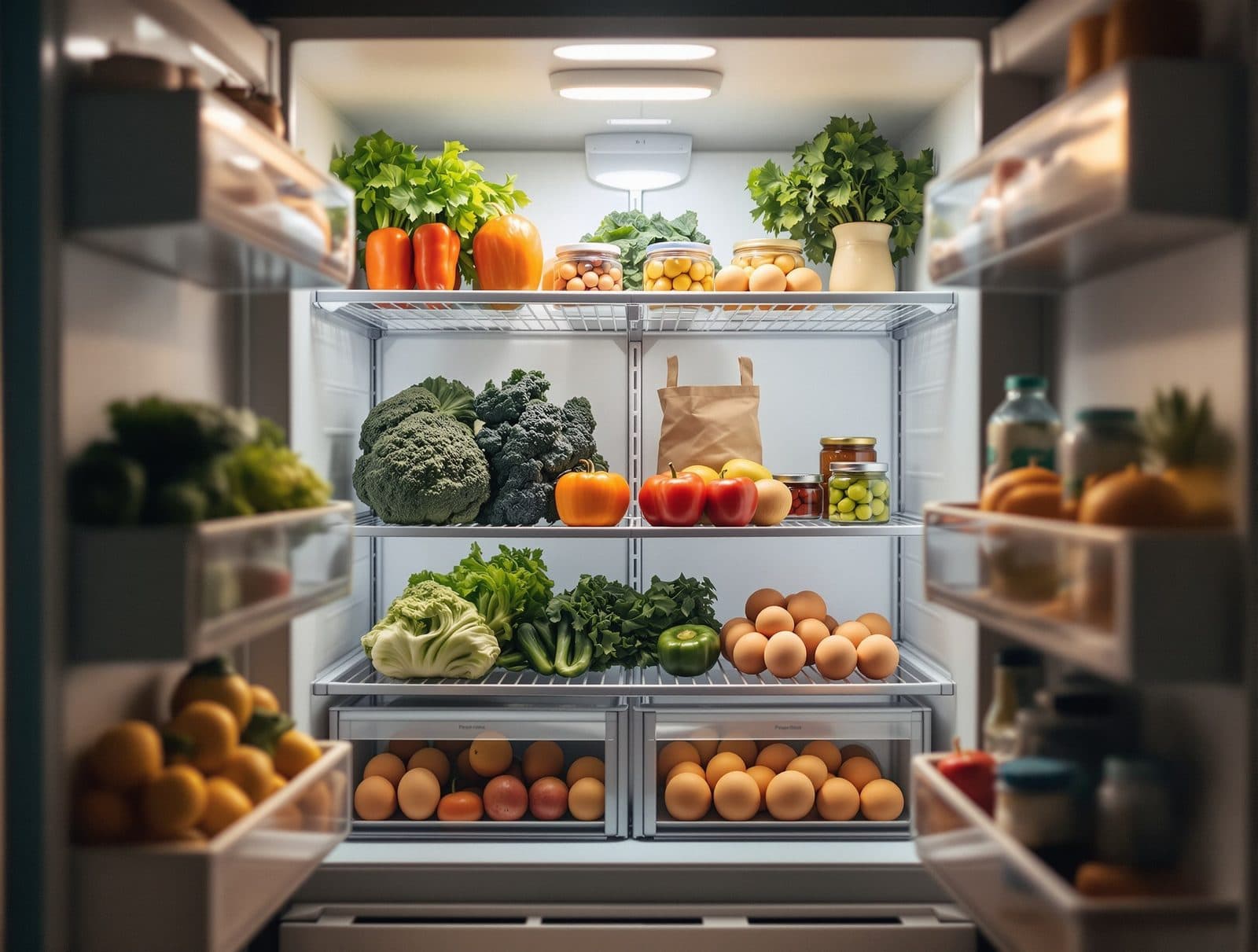
Two free tools promise the same magic trick: tick what is in your kitchen and get recipes you can make right now. They get there very differently, and the difference decides which one you should use.
SuperCook and MyFridgeFood promise the same thing: tell us what is in your kitchen and we will show you what you can cook right now, without buying anything. Both are free. Both have been around for years. And people genuinely search for this exact duel, so here is the honest version: SuperCook is the deeper tool with real apps behind it, MyFridgeFood is the simpler one you can use in ten seconds. Which one fits you depends on how you actually cook, and there is a third question both of them leave open.
How do SuperCook and MyFridgeFood actually differ?
SuperCook is an ingredient matching engine over a large pool of recipes gathered from cooking sites across the web. You build a virtual list of what you own, and it filters thousands of recipes down to what you can make, with toggles that sharpen the match, like ignoring basics such as salt, oil and flour so they do not pad the results. It ships proper mobile apps, and they are well liked: the iOS app sits at 4.8 stars from over 21,000 ratings.
MyFridgeFood is website-first and radically simpler. A grid of common ingredients, you tick boxes, it shows recipes. No account needed, nothing to set up, and that is the whole product. There is an iOS app, but it is clearly not the focus: it holds 3.2 stars from a few dozen ratings, so treat MyFridgeFood as a website you open when you need it.
Where does SuperCook win?
- Depth. A much larger recipe pool means an odd combination of ingredients still returns something worth cooking.
- Precision. The staples toggle and diet filters keep matches honest, so you see dishes you can genuinely make tonight.
- Apps. If you want this on your phone with your saved ingredient list waiting, SuperCook is the only one of the two where that experience is good.
- Persistence. Your ingredient list is saved, so the second visit is faster than the first.
Where does MyFridgeFood win?
- Speed to first answer. No account, no setup, tick five boxes and you are looking at dinner ideas in under a minute.
- Simplicity. The ingredient grid covers the things most kitchens actually hold, which makes ticking fast instead of exhaustive.
- Low commitment. It is the tool you send someone who would never install another app.
If you cook from a well stocked kitchen and want the best possible matches, take SuperCook. If you want an instant, throwaway answer with zero setup, MyFridgeFood does that honestly. We have gone deeper on SuperCook in our full SuperCook review, including where it genuinely shines.
What does neither of them solve?
The decision. Both tools end the same way: a wall of options. Twenty matching recipes is progress if your problem was ideas, but most weeknights the real problem is choosing, and a longer list makes that worse, not better. Neither tool sizes the meal to you, neither walks you through the cooking, and neither cares that the chicken expires today unless you tell it.
Tell Pann the one thing you have, chicken and noodles, half a bag of spinach, and it builds one real meal around it, sized to your goal, then walks you through the cooking step by step. One answer instead of twenty options.
The verdict
SuperCook for most people, MyFridgeFood for the fastest possible zero-setup check, and a decision engine like Pann when the list itself is the problem. All three are cheap to try: the first two are free, and the honest move is to test them against your own fridge rather than anyone's review, including this one. If you want the wider field beyond these two, our SuperCook alternatives roundup covers it.
Frequently asked questions
Is SuperCook better than MyFridgeFood?
For most people, yes. It has a much larger recipe pool, sharper filters and well rated mobile apps, so matches are better and the experience keeps improving as your saved list grows. MyFridgeFood counters with pure simplicity.
Are SuperCook and MyFridgeFood really free?
Yes, both are free to use. SuperCook shows ads and offers a paid tier that removes them, while MyFridgeFood runs as a free website with ads.
Do I need an account to use them?
MyFridgeFood works with no account at all, which is its biggest charm. SuperCook lets you start without one, but saving your ingredient list across devices is where an account helps.
Which is better for an almost empty kitchen?
SuperCook, narrowly. With very few ingredients its bigger recipe pool still finds something workable, while a sparse tick list on MyFridgeFood can come back thin. With one lonely ingredient, a decision tool that builds a meal around it beats a matcher.
Can either app decide what I should cook?
No. Both return lists for you to browse. If you want one confident answer built from what you have, that is a different category of tool, and it is the gap Pann is built for.